Guide
Etsy Digital Products Guide 2026: Start Selling
By The Crafty CEO Editorial Team · Updated 2026-03-26
By Maya Chen, Etsy Seller with $250K in Lifetime Sales · Last updated March 11, 2026
Digital products on Etsy are the closest thing to genuine passive income available to solo creators. Create once, sell indefinitely, zero shipping cost, zero inventory. The best-selling digital products generate $500-5,000+ per month from a single well-optimised listing.
 Hero visual for this section
Table of Contents
 Comparison visual for Table of Contents
- Best-Selling Digital Product Categories
- Creation Tools by Product Type
- Pricing Digital Products
- Setting Up Digital Downloads on Etsy
- Writing Listings for Digital Products
- Top Digital Product Mistakes
- Scaling Your Digital Product Shop
- FAQ
- Sources
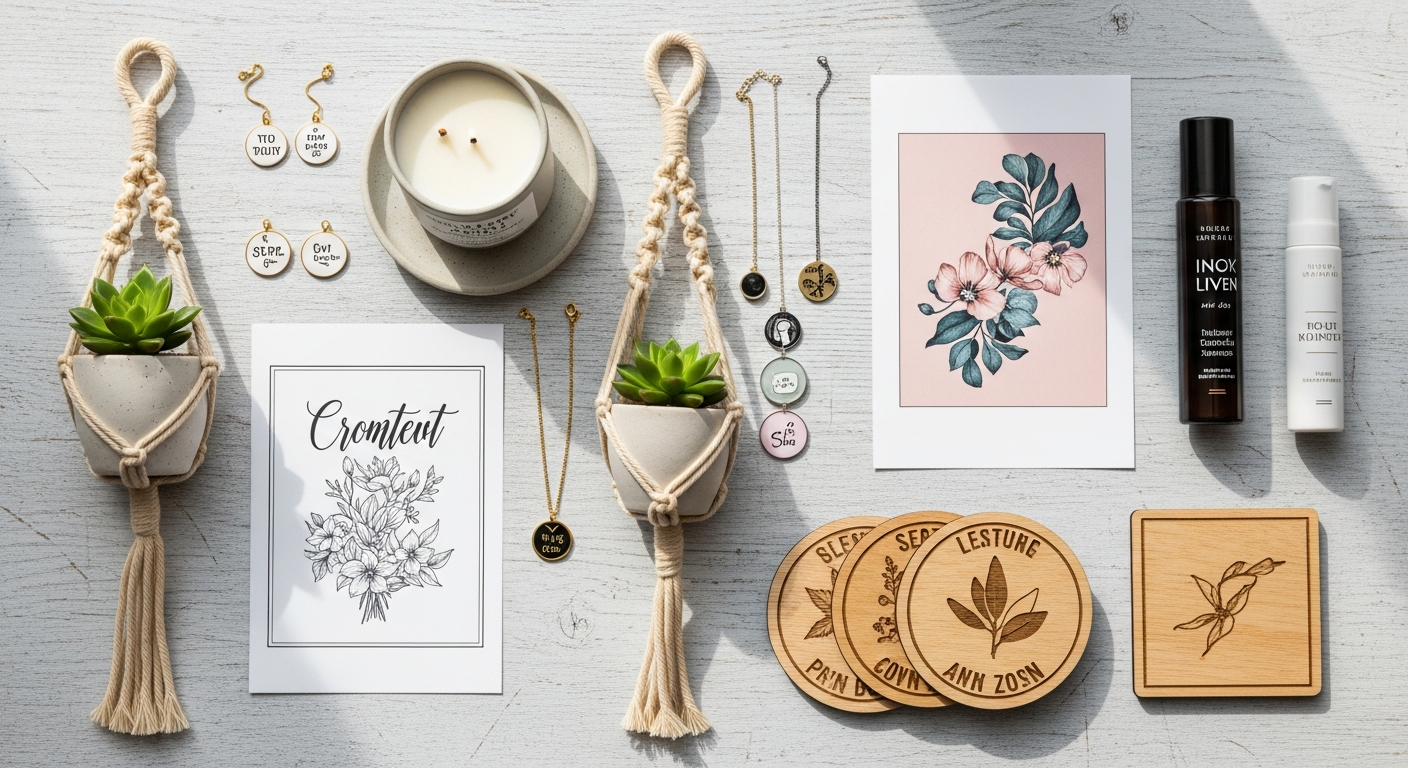
Best-Selling Digital Product Categories
 Infographic visual for Best-Selling Digital Product Categories
| Category | Avg Price | Competition | Demand | Ease of Creation |
|---|---|---|---|---|
| Wedding printables | $5-25 | High | Very High | Medium |
| Budget/finance planners | $5-20 | Medium-High | High | Low |
| Business templates | $10-50 | Medium | High | Medium |
| Wall art prints | $3-15 | Very High | High | Low |
| Educational worksheets | $3-15 | Medium | Medium | Low |
| Canva templates | $5-35 | Medium-High | High | Medium |
| Social media templates | $10-40 | High | High | Medium |
| Recipe cards | $3-10 | Medium | Medium | Low |
| Planner inserts | $4-15 | High | High | Medium |
| SVG cut files | $2-8 | High | High | Medium |
Highest Profit Digital Products in 2026
Canva templates consistently generate strong revenue: they're easy to create, buyers immediately see their value (visual product), and Canva's widespread adoption makes the audience large.
Budget and finance planners/trackers sell consistently year-round with predictable spikes in January (New Year resolutions) and EOFY (June in Australia, April in US).
Wedding printables have high purchase intent (engaged buyers spend freely) and strong seasonal demand (spring and autumn wedding seasons).
Creation Tools by Product Type
 Setup visual for Creation Tools by Product Type
| Product Type | Recommended Tool | Cost | Skill Level |
|---|---|---|---|
| Printables (PDF) | Canva Pro | $20/month | Beginner |
| Templates | Canva Pro, Adobe InDesign | $20-55/month | Beginner-Intermediate |
| Spreadsheets | Google Sheets, Excel | Free | Beginner |
| Wall art | Canva, Procreate, Adobe Illustrator | $10-55/month | Varies |
| SVG files | Inkscape (free), Adobe Illustrator | Free-$55/month | Intermediate |
| Social media templates | Canva Pro | $20/month | Beginner |
| Video templates | Canva, Adobe Premiere | $20-55/month | Intermediate |
Canva Pro is the best investment for new digital product sellers. It provides professional templates as starting points, brand kit features, and direct PDF/PNG export at print quality. At $20/month, it pays for itself with the first 1-2 sales of most product types.
Pricing Digital Products
 Detail visual for Pricing Digital Products
Pricing Psychology
Digital product pricing is governed more by perceived value than production cost (since production cost is essentially $0 after initial creation).
Price based on:
- Value to buyer (time saved, problem solved)
- Competitive landscape (what similar products cost)
- Your positioning (budget vs premium)
- Product complexity (simple printable vs comprehensive bundle)
Price Points That Convert
| Product Type | Recommended Price | Notes |
|---|---|---|
| Single printable (1-2 pages) | $3-8 | Impulse purchase range |
| Multi-page planner (10-30 pages) | $8-20 | Demonstrated value |
| Template bundle (5-10 items) | $15-35 | Bundle discount psychology |
| Comprehensive system (50+ pages) | $25-60 | Premium positioning |
| Editable Canva template | $8-30 | Editability adds value |
Bundle Strategy
Bundles consistently generate 2-3x the revenue of individual product sales. Create:
- Starter bundle: 3-5 of your most popular products at a 20-30% discount
- Complete kit: Everything in your shop at 40-50% off
- Seasonal bundle: Themed collection for an upcoming holiday
Bundles improve average order value and reduce the cost-per-sale consideration for buyers.
Setting Up Digital Downloads on Etsy
 Lifestyle visual for Setting Up Digital Downloads on Etsy
The Automatic Delivery Process
When a buyer purchases your digital product:
- Etsy processes payment
- Etsy automatically emails the buyer a download link
- Buyer downloads directly from Etsy
- No seller action required
You never need to manually send files. This automation is what makes digital products passive income.
Supported File Types
| File Type | Max Size | Common Uses |
|---|---|---|
| 20MB | Printables, planners, guides | |
| PNG | 20MB | Wall art, graphics, clip art |
| JPG | 20MB | Photos, artwork, patterns |
| ZIP | 20MB | Multiple files bundled |
| SVG | 20MB | Cut files for Cricut/Silhouette |
| XLSX | 20MB | Spreadsheet templates |
Tip: Use ZIP files to deliver multiple files in one listing. A "Wedding Printable Bundle" ZIP might contain 15 individual PDFs — one listing, one download, multiple files.
Protecting Your Digital Files
Digital products can be easily shared after purchase. Protection strategies:
- PDF passwords: Prevent printing or editing (reduces utility slightly)
- Watermarked previews: Show full product in photos but buyers download clean file
- Terms of use in listing description: Personal use only vs commercial licence — state clearly
- Canva share links vs exported files: For Canva templates, share a template link rather than the editable file (buyer gets their own copy)
Writing Listings for Digital Products
 Product Lineup visual for Writing Listings for Digital Products
Digital Product Listing Checklist
| Element | Best Practice |
|---|---|
| Main photo | Show the product as if it's printed and styled |
| Photo 2 | Mockup (frame on wall, on desk, on clipboard) |
| Photo 3 | All pages shown (for multi-page products) |
| Photo 4 | Dimensions and specs (paper size, colour mode) |
| Photo 5 | Instructions for downloading |
| Title | Include "digital download," "printable," "PDF" |
| Description | Include: what's included, how to download, how to use, paper size, personal use terms |
Critical Description Elements for Digital Products
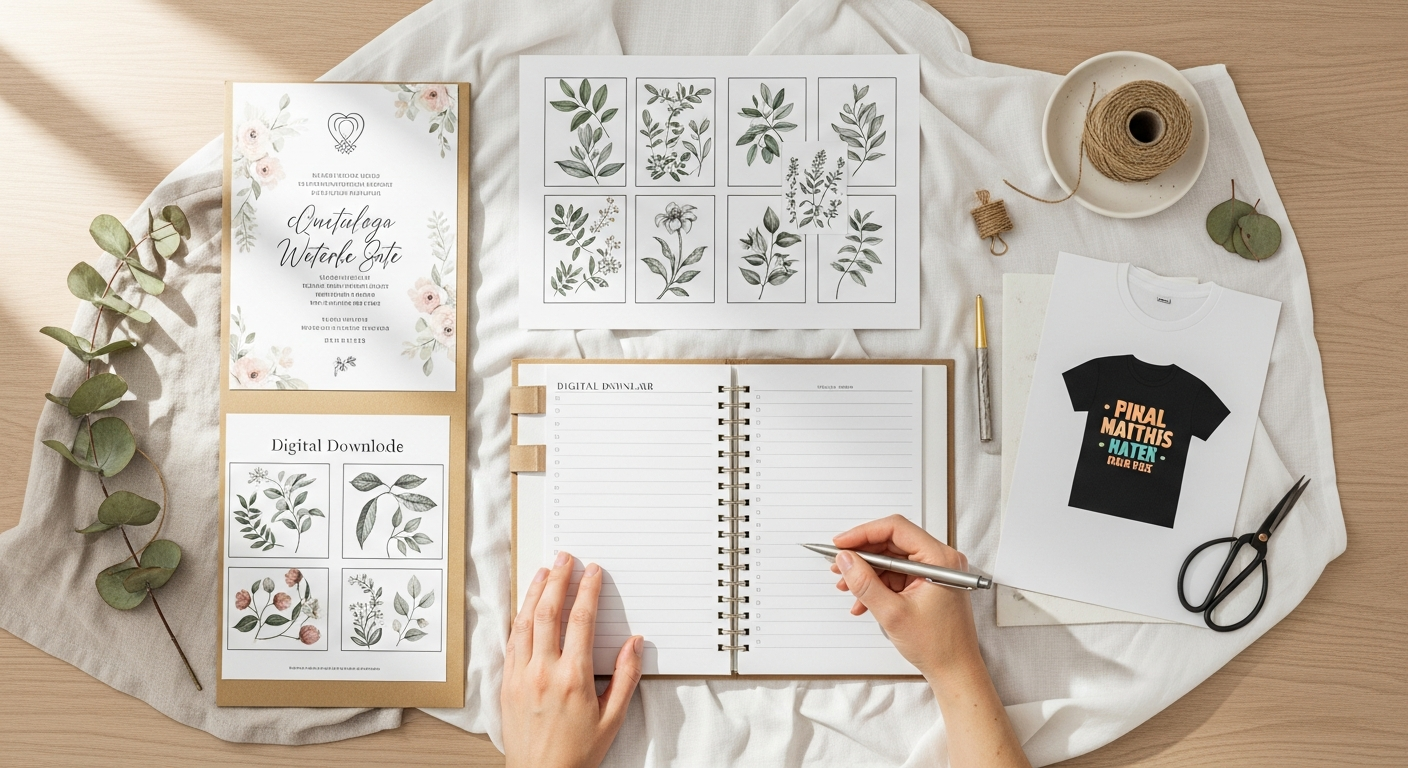
What's included: Exactly what files the buyer receives (e.g., "5 PDF pages: monthly overview, weekly spread, habit tracker, budget page, and notes page")
File specifications: Paper size (Letter/A4/A5), orientation, colour mode (RGB for digital display vs CMYK for professional printing)
Printing instructions: "Print at home on standard printer" or "Take to local print shop for professional quality"
Download instructions: Brief note that download link arrives via email from Etsy within minutes of purchase
No-refunds policy: Digital products are non-refundable (buyer can't return a file). State this clearly: "Due to the digital nature of this product, no refunds or exchanges are offered."
Top Digital Product Mistakes
 Tips visual for Top Digital Product Mistakes
Selling without clear use terms: If your product can be used commercially (a logo template used for a real business), state that and charge accordingly. Personal use licence ($5-15) vs commercial licence ($25-100+) is a significant price difference.
Low-resolution images: For printable products, provide files at 300 DPI minimum for print quality. Buyers printing at 72 DPI (screen resolution) will be disappointed.
Missing A4/Letter size options: Buyers are in different countries. Offer both US Letter (8.5×11") and A4 (210×297mm) versions where applicable.
No mockup photos: Abstract preview images don't sell. Show the product in a realistic, styled setting — in a frame on a wall, on a desk, in a planner. Mockup templates are available free/cheap on Canva and Creative Market.
Ignoring description length: Digital product descriptions are often too short because "it's just a file." Detailed descriptions reduce questions, increase buyer confidence, and improve SEO.
Scaling Your Digital Product Shop
The 100-Listing Goal
Shops with 100+ listings generate significantly more search traffic than smaller shops. With digital products, reaching 100 listings is achievable without inventory concerns:
- Create products in series (January budget template, February budget template...)
- Create complementary products (planner + habit tracker + expense log = 3 listings)
- Create different sizes/orientations of the same product (US Letter + A4 = 2 listings)
- Bundle combinations of existing products (3 listings become 6 with bundles)
Evergreen vs Seasonal Products
Evergreen products (budget planners, habit trackers, business templates) sell consistently year-round. Build your shop foundation with evergreen products.
Seasonal products (Christmas tags, Valentine's printables, wedding season items) spike dramatically in season and sell minimally off-season. Add seasonal products to your evergreen foundation — they provide revenue surges without replacing consistent baseline income.
FAQ
Can I sell Canva templates on Etsy? Yes, with caveats. You can sell Canva templates as long as: you created the template yourself (can start from Canva's free templates as a base), you share the template via a Canva template link (not download/export of the Canva file itself), and buyers have their own Canva account to access it. Read Canva's commercial terms — Canva Free users have restrictions that Canva Pro users don't.
Do I need copyright to sell digital products? You automatically own copyright to designs you create. Ensure you don't use others' copyrighted elements (fonts have licences — check commercial use permissions; stock photos need commercial licences; third-party designs can't be used without permission). Use fonts from Google Fonts (most are commercially free) and create original designs.
What file format should I use for printables? PDF is the standard for printables. It preserves formatting across devices and printers. For editable versions, offer both a PDF and an editable file (Google Docs/Sheets link or Canva template link).
How do I handle customer support for digital products? Most digital product support questions are: "I can't download" (Etsy technical issue — refer to Etsy help), "Can I print this in A4?" (have your file ready), "Can I use this for my business?" (have commercial licence pricing ready). Respond within 24 hours. Fast, helpful responses generate positive reviews.
Is there a market for digital products on Etsy in 2026? Yes — digital products are one of Etsy's fastest-growing categories. The shift to remote work increased demand for digital planners, templates, and printable organisation tools. The category continues to grow as more buyers prefer instant delivery over waiting for physical items.
How many digital products do I need to make $1,000/month on Etsy? A single well-optimised listing for a popular product (like a comprehensive planner bundle at $15-20) can generate $500-1,000/month. More realistically, 10-20 listings each averaging $50-100/month in sales reaches $1,000-2,000/month. Build toward volume while maintaining quality.
Sources
- Etsy Seller Handbook: Digital Downloads Setup 2025
- Etsy Q3 2025 Earnings: Digital product category growth data
- eRank: Top Selling Digital Products Report 2025
- Canva Terms of Use: Commercial licensing for template resale
Building Your Digital Product Business: Month-by-Month Plan
Month 1: Foundation
Create 10 listings across 2-3 product types. Aim for a coherent shop theme (all planners, or all wedding, or all social media templates — not a mixture of unrelated categories).
Product quality checklist:
- 300 DPI resolution for all printables
- Both A4 and US Letter sizes offered
- 5+ photos per listing (including mockups)
- Detailed description with download instructions
- Personal use terms stated
SEO setup:
- All 13 tags used per listing
- Titles reach 120+ characters
- Primary keyword in first 40 characters of title
Month 2: Analysis and Optimisation
Review Etsy Stats after 30 days:
- Which listings are getting views? (Good SEO)
- Which listings are converting? (Good product + photos)
- Which searches are finding you? (Validate or expand keyword strategy)
Optimise your 3 lowest-converting listings (improve photos, rewrite description, update tags).
Month 3: Scaling
If Month 2 showed any listings generating sales, create 5-10 more products in the same style. Successful product types are your product-market fit signal — don't pivot, double down.
Add your first bundle listing combining your best individual products.
Customer Experience for Digital Products
Digital products often generate more customer messages than physical products. Being prepared makes support fast and satisfying for both parties.
Pre-Written Message Templates
Customisation inquiry response: "Thanks for reaching out! For custom versions of this template, please message me with your specifications and I'll provide a quote. Typical customisation is $[X] for [specific changes] with a [X]-day turnaround."
Download issue response: "Sorry to hear you're having trouble with the download! Etsy sends download links via email immediately after purchase. Please check your spam folder. If you still can't find it, log into Etsy directly and go to Purchases & Reviews → Downloads. The file will be there. Let me know if you need further help!"
Refund request response: "Thank you for your message. Unfortunately, due to the digital nature of this product, we're unable to offer refunds as the file has been delivered. However, I'm happy to help troubleshoot any issues you're having with the file or answer any questions. Please let me know how I can help!"
The $10K Digital Product Shop: What It Looks Like
A $10,000/month digital product Etsy shop typically has:
| Metric | Target |
|---|---|
| Active listings | 80-150 |
| Monthly shop views | 15,000-30,000 |
| Conversion rate | 3-5% |
| Average order value | $15-25 |
| Monthly orders | 500-700 |
| Review count | 500+ |
| Review score | 4.8+ |
Getting from 0 to $10K/month takes most sellers 18-36 months. The path is straightforward: consistent product creation, SEO maintenance, seasonal optimisation, and excellent customer service. There are no shortcuts — but there is a compounding system that rewards consistent work.
Your first digital product listing is the hardest. The second is easier. By listing 20, you have a workflow. By listing 50, you have a business. Start today.